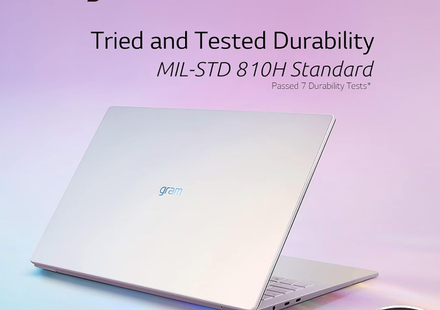
LG gram Style Buying Guide

Image Source: LG Official Who Is It For? The LG gram Style is for users who prioritize extreme portability and a unique visual design. It fits well for professionals who travel frequently, students…
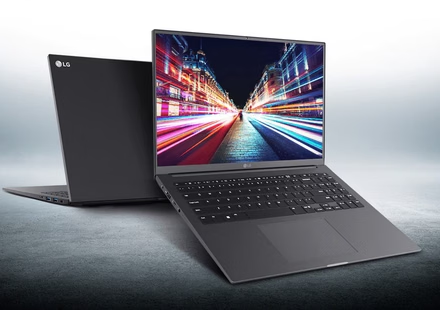
LG Ultra PC 16 Buying Guide
Image Source: LG Official Who Is It For? The LG Ultra PC 16 is for users who need a large, 16:10 display for productivity but are working within a specific budget. It fits well for students who need…
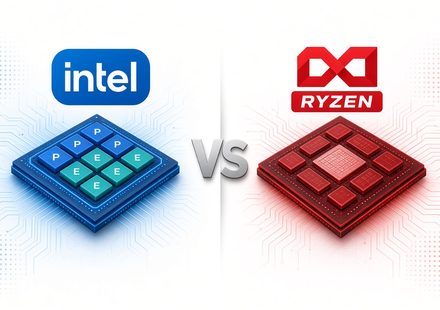
[Buyer’s Guide #2]Intel vs AMD: The Complete Beginner-Friendly Guide to Choosing the Right PC CPU
When you’re buying or building a computer—whether it’s a desktop, a laptop, or a compact mini PC—one of the first big questions you face is: “Should I go with Intel or AMD?” In the past, many people…
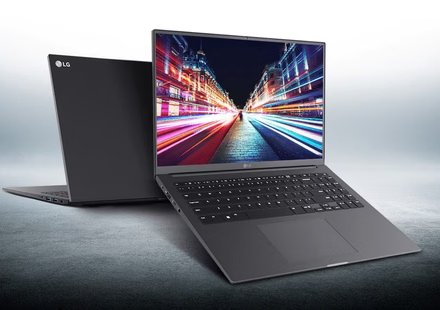
LG Ultra PC 15 Buying Guide
Image Source: LG Official Who Is It For? The LG Ultra PC 15 is for users who need a standard 15.6-inch display for productivity but are working within a specific budget. It fits well for students who…
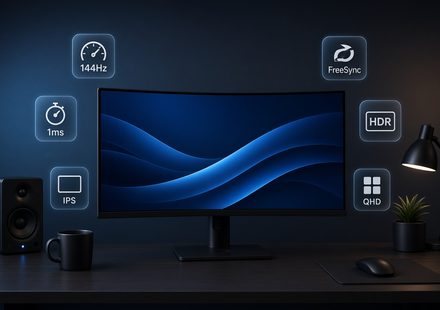
[Beginner’s Guide #10] Monitor Specs Made Simple: Refresh Rate, Response Time, and Panels
Shopping for a monitor can feel confusing. Product pages are full of terms like Hz, response time, IPS, and 4K, and it’s hard to know what actually matters. This guide explains the most important…
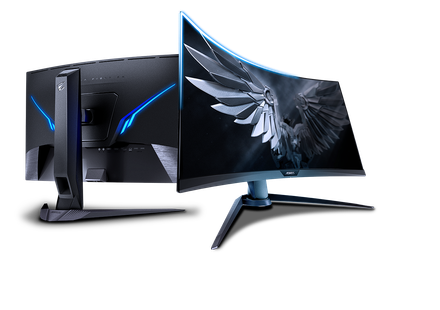
Gigabyte AORUS Series Specs and Buying Guide
Image Source: Gigabyte Official Who Is It For? The AORUS series is a category of monitors where high refresh rates—how many times the image updates each second—and integrated “tactical”…
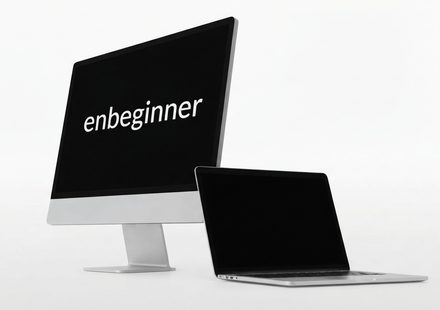
[Buyer’s Guide #1] Desktop vs. Laptop: How to Choose the Right Form Factor for Your Needs
When buying a new computer, one of the first questions people ask is: “Should I buy a desktop or a laptop?” Even if specification sheets make them look similar in performance, their real-world usage,…
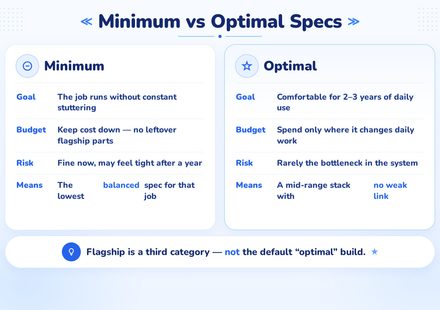
[Beginner’s Guide #9] Custom PC Builds by Use Case: Minimum vs Optimal Specs
The earlier guides [Beginner’s Guide #8] How to Check Your Current Computer Specs: Windows and Mac taught you how to read each part on its own — CPU, RAM, storage, graphics, power, and motherboard.…
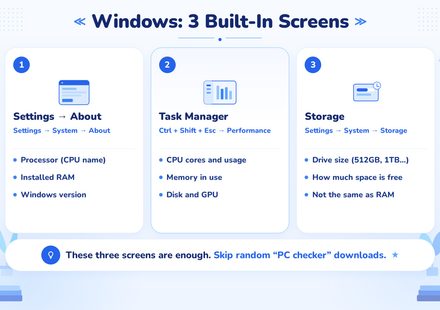
[Beginner’s Guide #8] How to Check Your Current Computer Specs: Windows and Mac
The earlier guides in this series taught you how to read a spec sheet — CPU, RAM, storage, graphics, power, motherboard, and Mac configurations. This last guide answers a more practical question:…
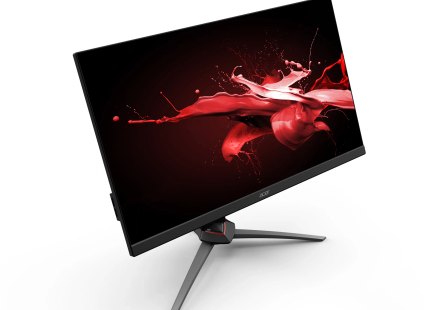
Acer Nitro Series Specs and Buying Guide
Image Source: Acer Official Who Is It For? The Acer Nitro series is a category of monitors where high refresh rates—how many times the image updates each second—and low response times—how quickly a…