[Buyer’s Guide #5] Laptop Exterior Guide: Differences in Color, Material, and Display Coating

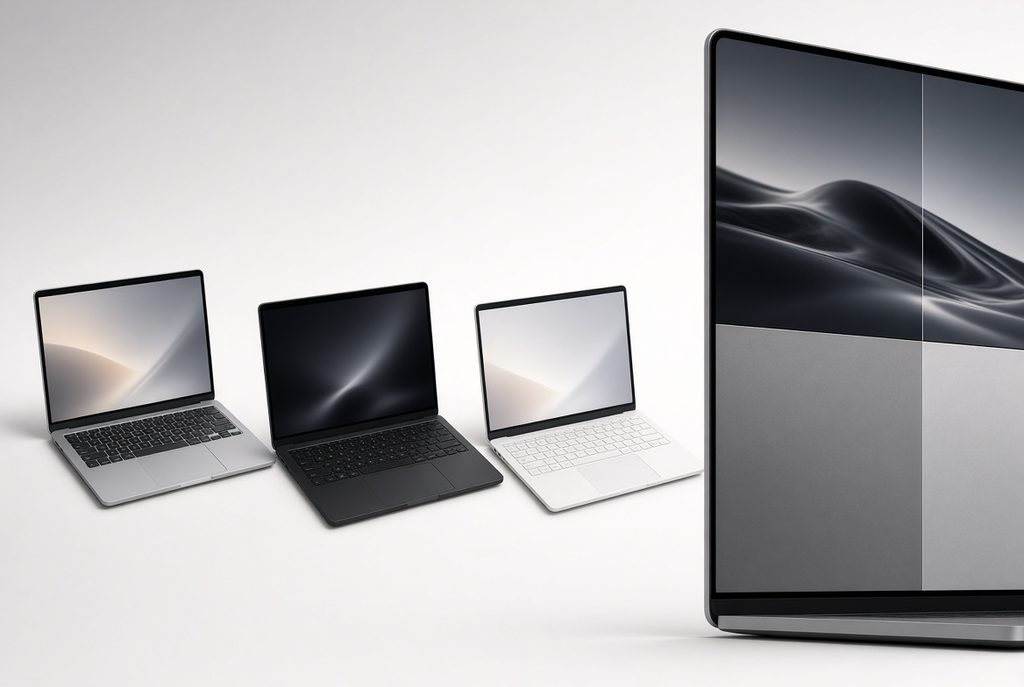
When you choose a laptop, the outside of the machine is easy to treat as pure design. In daily use it is not. Color, body material, and screen coating change how quickly fingerprints show, how obvious scratches become, how hot the shell feels, and how tiring the display is under office lights or next to a window.
This guide is not a product ranking and it does not tell you which laptop to buy. It explains what each exterior choice tends to mean in real rooms and real bags, so you can match the shell to your habits instead of guessing from photos alone.
1. Color and What Shows on the Surface
Color is not only preference. It changes contrast—how clearly oil from fingers, dust, and fine scratches stand out against the finish.
Silver and gray
These tones sit close to the natural look of many metal chassis. Light scuffs often blend in, so the lid can look cleaner for longer without constant wiping. Fingerprints are usually less dramatic than on dark glossy paint. For people who open and close the laptop many times a day, this is often the lowest-maintenance family of colors.
White and light colors
Dust is harder to see on white than on black. The trade-off is different: over a long time, strong sunlight can leave a slight warm or yellowish cast on some finishes, and dirt that sits in texture can look more obvious than on silver. If you work near a bright window and wipe the lid rarely, white can still look fine—but it is not “maintenance-free.”
Black and other dark colors
Fingerprints and smudges show more because oil reflects against a dark surface. On dark-painted metal, a deeper scratch that reveals a lighter layer underneath becomes easy to notice. Dark laptops can look sharp in photos and still need more frequent cleaning if you move them between home, bag, and desk every day.
A simple way to decide
Ask how often the lid is in your hands and under mixed light. Heavy daily handling and little cleaning time usually favor silver or gray. Strong style preference for black is fine if you accept more visible marks. White works best when you like the look and do not mind occasional careful cleaning.
2. Body Material: Metal vs Plastic
Material affects weight feel, heat on the palm rest, and what happens after a knock—not only “premium vs cheap.”
Metal (often aluminum or magnesium alloys)
Metal moves heat from inside parts toward the outer shell more readily. Under long video calls or light creative work, the deck and underside can feel warmer than a plastic body. That is not always a fault; it is how the heat path works. After a drop or hard press, a dent in metal usually stays. In rare cases on some designs, people notice a light tingle if grounding is poor; that is uncommon, but it is why a solid power setup and undamaged chassis matter.
Metal lids often flex less when you lift the screen with one hand. That stability is useful if you open the laptop on a train tray or a crowded desk. The cost is weight: the same size in metal often feels denser in a backpack than a plastic twin.
Plastic (lightweight resin)
Plastic can absorb small bumps with more “give” than metal. Light stress may recover better; a permanent crease is less typical than a metal dent—though plastic can still crack under a sharp hit. It helps keep the machine lighter for daily commuting.
The weak points are different. Strong twist or pressure in the center of a thin plastic lid can feel less rigid. Matte plastic in high-touch zones (above the trackpad, near the edges) can slowly polish to a shiny patch after months of friction. That is wear, not sudden failure.
Choosing by routine
If you carry the laptop most days and climb stairs or pack a full bag, lower weight and some impact give can matter more than a cold metal feel. If the machine mostly stays on one desk and you open the lid constantly, metal rigidity and scratch-hiding silver finishes often pair well. Neither material is “always better”; the better match is the one that fits how often you move the device and how hard you treat the shell.
3. Display Coating: Glossy vs Matte
The coating on the screen changes reflections and how colors and text feel, independent of resolution.
Glossy (glare) coating
A smoother surface can make colors look more vivid and edges look crisp. The same surface acts like a mirror for lamps and windows. In a bright room, your face or a ceiling light can sit on top of the document you are reading. Fingerprints on the panel also show more clearly. Glossy suits controlled lighting—evening desks, dim offices—more than a seat beside floor-to-ceiling glass.
Matte (anti-glare) coating
A fine texture scatters incoming light. Reflections from windows and overhead LEDs are usually weaker, which many people find easier for long reading and spreadsheet work. The trade-off is a slight loss of “pop”: images can look a bit less sharp than on glossy glass, and some users notice a soft grain on large white areas (browser pages, documents). For all-day text work under mixed light, matte is often the more practical coating.
Quick lighting check
Before you lock in a coating, picture where the laptop will sit at noon and at night. Strong side light or a window behind the screen pushes toward matte. A dim room and movie or photo work make glossy easier to live with. If you cannot control the room, prioritize lower reflection over maximum shine.
4. How Color, Material, and Coating Work Together
These three choices stack.
A black metal lid with a glossy screen can look striking and still demand frequent wiping of both the chassis and the panel. A silver metal body with a matte screen often hides wear better and stays readable near windows, at the cost of a less dramatic look in store photos. A light plastic body keeps bag weight down; combined with matte coating it can be a strong everyday student or commute setup, even if the shell feels less “cold and solid” than aluminum.
There is no single winning trio. There is only a better match to light, movement, and cleaning habits.
5. Side-by-Side Reference
| Category | Fingerprints / oil | Scratches | Heat / impact feel | Light on the screen |
|---|---|---|---|---|
| Silver / gray metal | Lower visibility | Scratches blend more easily | Heat reaches the shell; dents tend to stay | Depends on coating |
| Black / dark metal | Higher visibility | Contrast makes marks obvious | Same heat path; dents stay | Depends on coating |
| White / light finishes | Dust less obvious; some stains more visible | Varies by paint and texture | Often paired with plastic or coated metal | Depends on coating |
| Plastic body | Depends on color and gloss of the paint | Matte zones can polish shiny over time | Lighter; more elastic with small hits; less rigid when twisted | Depends on coating |
| Glossy coating | Smudges show on the panel | N/A | N/A | Stronger reflections; more vivid image |
| Matte coating | Smudges less obvious | N/A | N/A | Weaker reflections; slightly softer image |
Use the table as a reminder, not as a score. Your room and bag matter more than any single row.
6. A Practical Order Before You Buy
- Where will the screen face light? Window and bright office → lean matte. Dark controlled desk → glossy is easier to accept.
- How often does the laptop travel? Daily bag use → weight and impact behavior (plastic vs metal) rise in priority. Desk-bound → rigidity and finish may matter more.
- How often will you wipe the lid? Rare cleaning → silver/gray and lower-contrast finishes hide more.
- Only then pick the color you like within that shortlist.
This order prevents buying a dark glossy showpiece that fights your actual lighting and schedule.
7. Summary
A laptop’s exterior is part of daily comfort, not only branding.
- Color changes how clearly fingerprints and scratches show.
- Material changes weight, how warm the shell feels, and what a knock leaves behind.
- Coating changes reflection and how long you can read in bright rooms.
No combination is universally best. The useful approach is to name your light, your commute, and your cleaning habits, then choose color, material, and coating that do not fight those conditions.
If you are still building a full picture of what sits inside the machine, start with [Start Here] for the core parts, then return to product pages with clearer exterior criteria.